About This Game
[EARLY ALPHA]
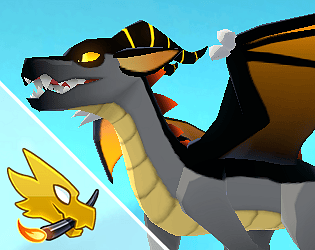
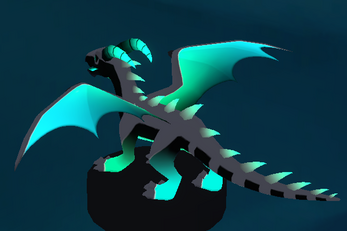
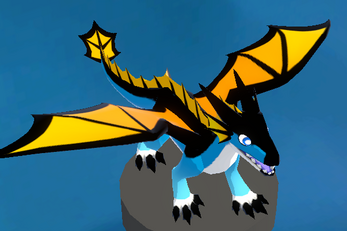
Design your own dragon, with many parts, patterns, colors, and
glows
Interface and customizations are still in development, more features and improvements to come soon.
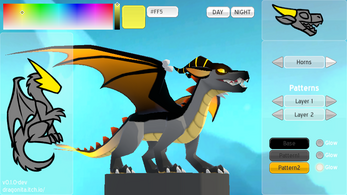
Controls (all mouse):
Hold and drag the screen to rotate the dragon
Scroll the mouse wheel to zoom in and out
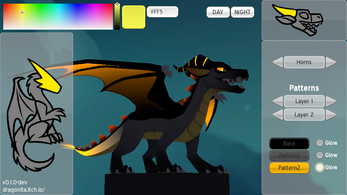
Click on the panel dragons to customize a specific body part
Click on the arrows to change a part or pattern
Drag and select a color from the top left panel, and then fill that color in one of the arrow-less buttons.
The toggles next to them make said part glow. You can click on the "night" button to see the full effect.
To save or load a design, open the yellow save tab, and either generate and copy the code on the left field, or paste a code on the right field to import it.
If you have any feature suggestion, feel free to leave it in a comment!
You can also check for dev updates at
Tumblr
!
Credits:
Skybox by
https://skfb.ly/6u9DR