
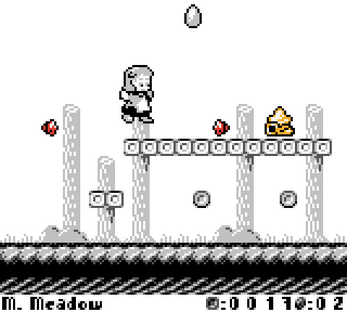
About This Game
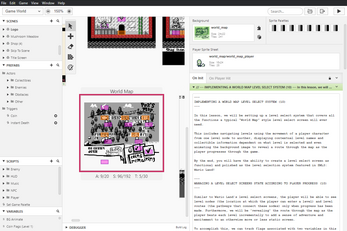
From menus to cutscenes and obstacles to enemies, the Let's Build A Platformer! course offers everything you need to create a platformer game from start to finish using GB Studio. For those new to GB Studio, LBaP! also acts as an introductory course for GBS itself, whether or not youâre interested in making platformer games.
For more information about the course,
view the LBaP! Course Introduction document.
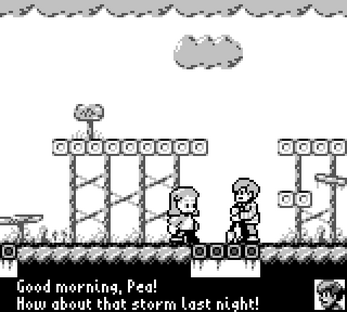
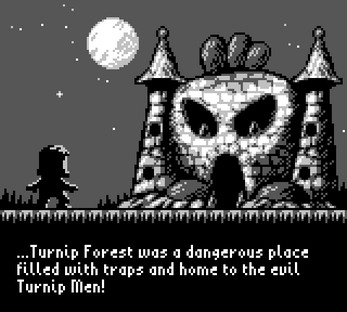
Check out the state of the game as of the most recent lesson by running the Let's Build a Platformer! game in your browser above.
For a detailed breakdown of all the concepts covered in the course,
view the LBaP! Course Glossary document
.
Available for free:
Lesson 1: Setting Up a Title Screen (
Beginners PDF available in
ð¬ð§ ðµð¹ ðªð¸)
Lesson 2: Preparing an Options Menu (
Beginners PDF available in
ð¬ð§ ðµð¹)
Lesson 3: Implementing and Tracking Options
Lesson 4: Implementing Cutscenes
Lesson 5: Player Animation States and the Platformer Scene
Lesson 6: The Platformer+ Plugin
Guide: GB Studio engine.json Guide
Purchase the full version to access:
Lesson 7: Implementing a HUD
Lesson 8: Updating the HUD
Lesson 9: Implementing a Shop
Lesson 10: Creating a Level Select Menu
Lesson 11: Creating Obstacles
Lesson 12: Creating Enemies
Lesson 13: Taking Your Game to the Next Level
1. Download the latest version of
GB Studio
2. Download
LBaP! Lessons 1 to 6 (v1.0).zip
for the free lessons (see "Download Demo" link below) or purchase the full version to download
LBaP! Lessons 1 to 13.
3. Read the
(LBaP!) Course Introduction (v1.0)
PDF document
4. If you have any questions or feedback relating to Letâs Build A Platformer! or you just want to share what you're working on with others learning from the course,
join the Gumpy Function Games Discord Server.
I've also partnered with
Playtiles to launch the Playtiles Game Dev Kit
-
the easiest way to play GB + the best way to learn GB dev!
The
Playtile Game Dev Kit
bundle provides the know-how to make you